BalanceKeeper
Keeps your Mac's audio balance centered.
macOS sometimes shifts the left/right audio balance on its own, often after the volume keys are pressed while the Mac is busy. One ear gets quieter and you may not notice for days.
BalanceKeeper puts the balance back the moment it moves. I wanted it to be the lightest fix there is, since it runs all day: it doesn't poll, has no timers and sleeps until macOS reports a change.
Features
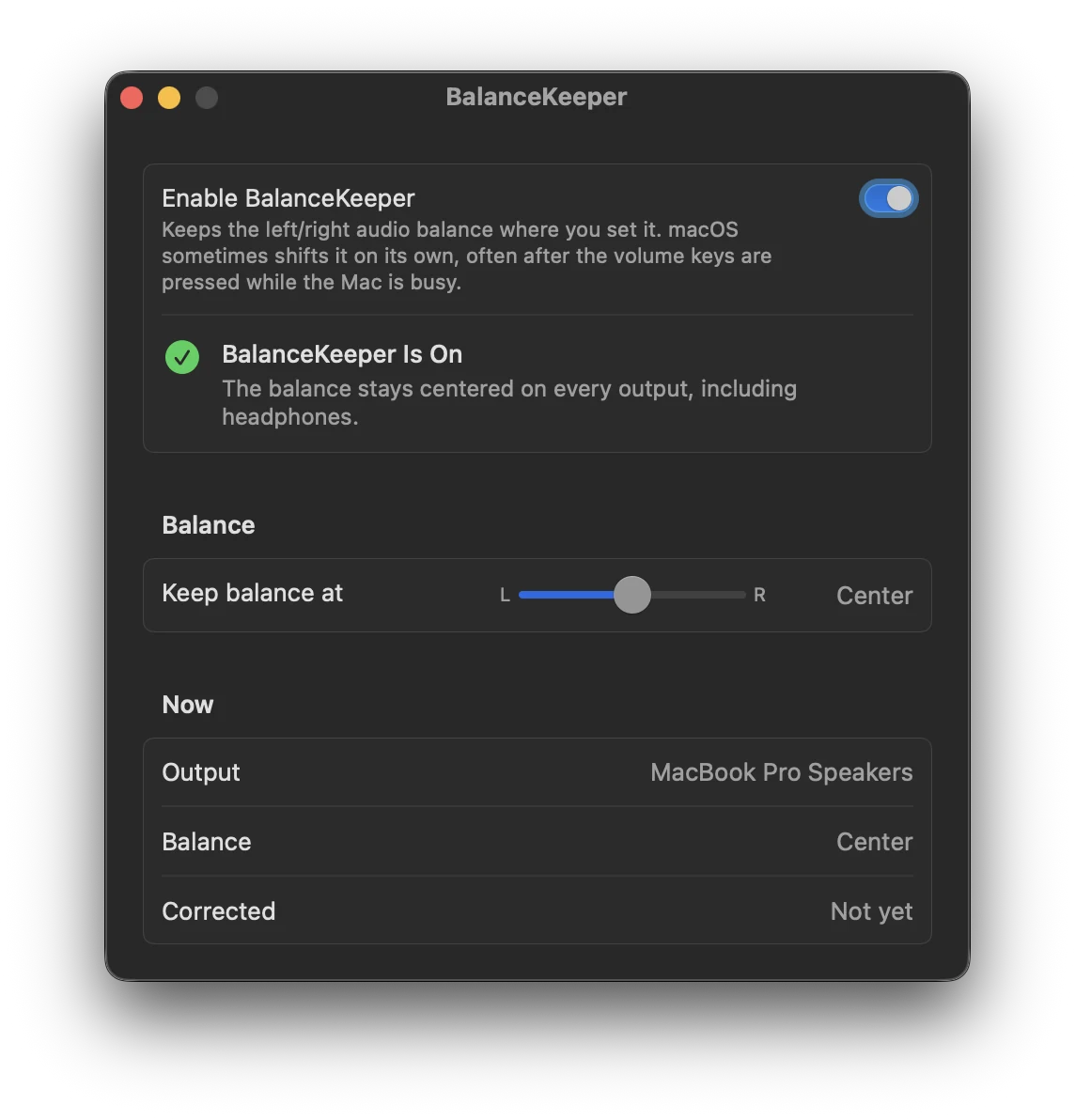
- Locks the balance to the center, or to any point you choose
- Works with built-in speakers, headphones, Bluetooth and USB audio, and switches with them
- Shows the current output, its balance and how often it had to fix it
Install
brew install --cask fratayaydn/tap/balancekeeperOr download BalanceKeeper-<version>.dmg from the latest release, open it and drag BalanceKeeper to Applications. The app is signed with a Developer ID and notarized by Apple.
A Mac with Apple silicon, macOS 13 Ventura or later. No permissions needed, no network connections, no menu bar icon.
Questions
Why does my Mac's audio balance change by itself?
It's an old macOS bug. Pressing the volume keys while the Mac is busy can nudge the balance to one side, and it stays there.
How do I fix it without an app?
Go to System Settings > Sound, select your output and drag the Balance slider back to the middle. It'll probably drift again at some point, and that's the part BalanceKeeper handles.
Can I keep the balance off center on purpose?
Yes, you can lock it anywhere. Just change it in BalanceKeeper while it's on, not in System Settings. macOS reports a change made there the same way as a drift, so BalanceKeeper would move it back.
How it works
A small background agent asks CoreAudio to tell it when the output device or its balance changes. When the balance moves, it sets it back with whatever the device supports: the stereo pan, the system's virtual balance, or the volume of the quieter channel. Only public macOS APIs.
More details, the build instructions and how to uninstall are in the README.