CapsNow
Caps Lock without the delay.
macOS ignores a Caps Lock press shorter than 75 milliseconds, on purpose, so that Caps Lock doesn't turn on by accident. The price is that quick taps get lost: you tap Caps Lock, keep typing, and the letters come out in the wrong case.
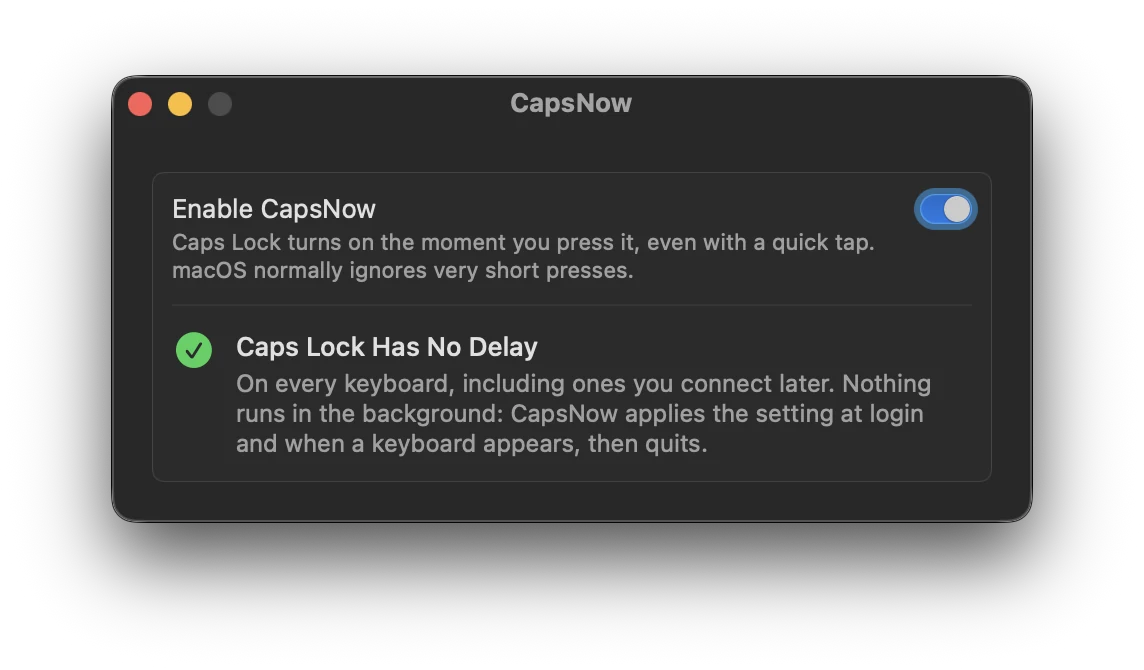
There's actually a setting for this delay. It just isn't in System Settings, and it resets every time you restart. CapsNow sets it at login and whenever a keyboard shows up, then quits.
Features
- Works with every keyboard, built-in, USB or Bluetooth, including ones you plug in later
- Nothing keeps running, so it uses no memory and no CPU
- Turn it off and the normal delay is back right away
Install
brew install --cask fratayaydn/tap/capsnowOr download CapsNow-<version>.dmg from the latest release, open it and drag CapsNow to Applications. The app is signed with a Developer ID and notarized by Apple.
A Mac with Apple silicon, macOS 13 Ventura or later. No permissions to grant, no menu bar icon.
Questions
Why doesn't Caps Lock turn on when I tap it quickly?
macOS ignores presses shorter than 75 ms so Caps Lock doesn't turn on by accident. A quick tap is shorter than that.
Can I remove the delay without installing anything?
Yes. Run hidutil property --set '{"CapsLockDelayOverride":0}' in Terminal. The catch is that it's gone after a restart, so you'd have to run it every time. CapsNow does that part for you.
Does it stay running in the background?
No. It sets the value and quits.
I deleted it and the delay is still off. Why?
If you trash it without turning it off first, the setting stays until the next restart. After that the normal delay is back on its own.
How it works
It sets the HID property CapsLockDelayOverride to 0 through the public IOHIDEventSystemClient API. That's the same setting hidutil changes. A login item runs at login and when a keyboard is connected, sets it and quits within two seconds.
More details, the build instructions and how to uninstall are in the README.